
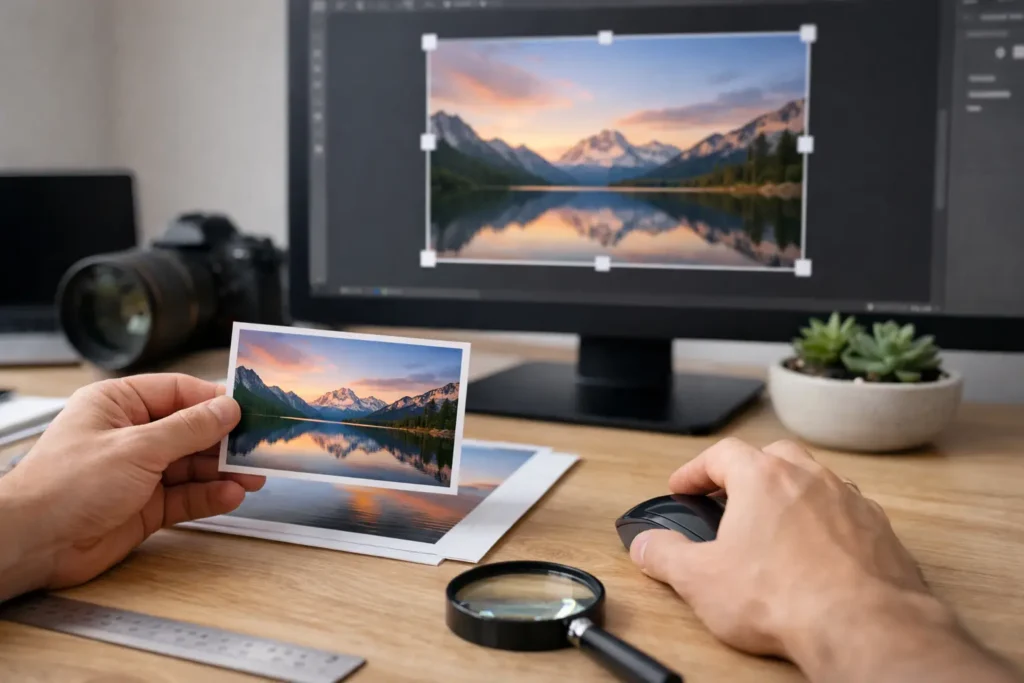
A print looked perfect on your screen, then suddenly the wall got bigger, the frame changed, or the room called for more impact. So, can you resize digital prints? Yes – but not infinitely, and not without understanding what holds image quality together.
That matters more with statement art. A minimal black-and-white portrait or a sharp conceptual poster has nowhere to hide. Soft edges, stretched proportions, and muddy contrast show up fast when the artwork is meant to feel crisp, intentional, and gallery-level. If you want a resized print to still look elevated, you need to think about resolution, ratio, and print method before you hit order.
Can You Resize Digital Prints Without Losing Quality?
The short answer is yes, if the original file is large enough for the size you want.
Digital art files are made of pixels. When you print, those pixels spread across physical space. The more you enlarge a file, the more those pixels have to stretch. If the file starts with high resolution, the print can stay sharp at larger sizes. If the file is too small, enlargement leads to softness, jagged lines, or visible pixelation.
This is why high-resolution downloadable art is so valuable. It gives you flexibility. You can print smaller for a tight apartment wall, larger for a dramatic office setup, or swap frame sizes later without starting from scratch. But flexibility is not the same as unlimited scaling. Every file has a ceiling.
As a rule, 300 DPI is the gold standard for crisp, premium-quality prints viewed up close. You can sometimes go lower for oversized wall art, especially if it will be seen from several feet away. A large statement piece across a living room wall does not need the same precision as a small framed print in a hallway where people stand inches from it. That trade-off is normal.
What Actually Limits How Much You Can Resize?
There are two main limits: resolution and aspect ratio.
Resolution sets the quality ceiling
Resolution refers to how many pixels are in the file. A file that measures 6000 x 9000 pixels contains far more print potential than one that measures 1200 x 1800. The larger the pixel dimensions, the larger you can print while preserving detail.
This is where people get tripped up. A file can look sharp on a phone or laptop and still be too small for a large-format print. Screens compress the viewing experience. Walls do not.
If your art file was created and sold as a high-resolution print file, you are in a strong position. If it came from a screenshot, social media image, or low-res export, resizing usually ends badly.
Aspect ratio controls the shape
Aspect ratio is the proportion of width to height. Think 2:3, 3:4, 4:5, or square. If your file is one ratio and your frame is another, something has to give. Either the print gets cropped, extra space gets added, or the image gets stretched.
Stretching is the worst option. It distorts faces, typography, geometry, and composition. With modern wall art, where balance and negative space are part of the visual power, even slight distortion can make the piece feel off.
Cropping can work beautifully if the composition allows it. A surreal portrait may tolerate a tighter crop. A poster with text or carefully placed edges may not. The point is simple: resizing size is one thing, changing shape is another.
Can You Resize Digital Prints for Different Frame Sizes?
Yes, and this is one of the biggest advantages of digital wall art.
If you buy art in a ratio that supports multiple standard print sizes, you can usually move between them with no issue. For example, a 2:3 file may work for 12 x 18, 16 x 24, 20 x 30, and 24 x 36. The composition stays consistent because the shape stays the same.
Problems start when the frame you want uses a different ratio than the file you have. In that case, you may need to crop the artwork slightly or use a mat to make the dimensions work elegantly. A mat is often the smarter design move anyway. It creates breathing room, sharpens presentation, and gives bold art a more refined gallery feel.
For style-led interiors, this matters. The right scale and framing can make a print feel curated rather than improvised. A striking piece printed too small can disappear. Printed too large in the wrong proportion, it can lose tension and polish.
When Upsizing Works – And When It Doesn’t
Upsizing is not automatically a bad idea. It just depends on the file and the artwork itself.
Bold graphic pieces, retro posters, and minimalist compositions often scale better than highly intricate artwork because their visual language is cleaner. Strong contrast, deliberate negative space, and simple forms can remain powerful even at larger sizes. On the other hand, detailed textures, fine typography, and subtle tonal transitions tend to reveal quality loss more quickly.
Printing material also changes the result. Matte fine art paper can hide minor softness better than glossy paper, which tends to emphasize flaws. Canvas can be forgiving because of its texture. Acrylic or metal prints are less forgiving because they present every detail with high clarity.
Viewing distance matters too. A dramatic oversized print above a sofa is usually seen from across the room. A small framed piece near a desk gets inspected up close. The closer the viewer, the less room you have for compromise.
How to Resize Digital Prints the Right Way
If you want the cleanest result, start by checking the file dimensions before choosing your print size. That tells you what the file can realistically handle.
Next, match the print size to the file’s existing aspect ratio whenever possible. This is the easiest way to preserve the original composition. If you need a different frame size, decide whether a slight crop will still respect the artwork. If not, use a mat rather than forcing a mismatched fit.
Then think about the room. Not just the wall dimensions, but the mood. Large-scale art should feel intentional, not just bigger for the sake of it. In a minimal space, a single oversized black-and-white print can create architectural tension. In a layered interior, a medium size may carry more control.
Finally, choose a reputable printer. Even a great file can look weak if the printer oversharpens, flattens contrast, or uses poor materials. Premium artwork deserves premium output.
Can You Resize Digital Prints Yourself?
You can, but whether you should depends on your confidence with design files.
Basic resizing is easy enough in image editing software. The risk is making changes that degrade the artwork without realizing it. Resampling incorrectly, exporting at the wrong quality, or stretching the image to fit a frame can damage the final result fast.
If the seller provides multiple size ratios or print-ready files, use those first. That is usually the cleanest path. Brands like 21MXM build digital art around print flexibility for exactly this reason – the goal is to let you scale your visual identity without turning the process into a technical mess.
If you do resize manually, preserve proportions, keep the highest-quality export settings, and avoid repeated saves that compress the file. One clean master file is always better than multiple edited copies floating around your desktop.
The Smart Way to Think About Size
The real question is not only can you resize digital prints. It is whether the resized version still delivers the same visual force.
Great wall art is about presence. Scale affects that. A surreal portrait printed too small can lose its tension. A conceptual monochrome piece printed too large at low quality can lose its edge. The best size is the one that keeps the artwork sharp, balanced, and suited to the room.
So yes, resize when the file supports it. Print bigger when the space demands drama. Print smaller when restraint feels stronger. Just do it with intention, because the best interiors are not filled randomly. They are edited, composed, and built around pieces that know exactly how to hold a wall.
When your art has impact, size is not just a measurement. It is part of the statement.